 BUG CLICKER
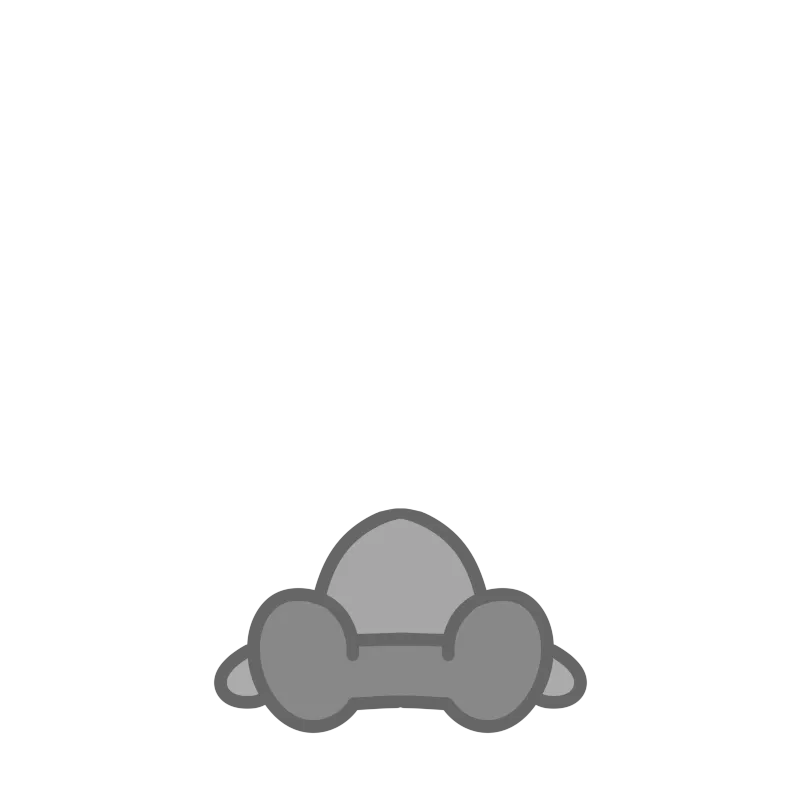
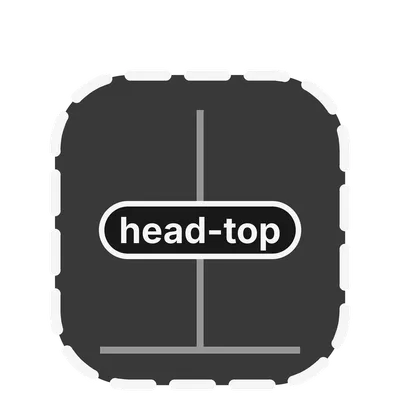
Parts hang on the body you already painted. Each type has a guide PNG: draw inside the dashed rectangle, put the joint on the green pin, and paint only the right side so the left side mirrors. The guide does not publish a pixel cap beyond the 800×800 character canvas and the 400×400 doll sheet.
| Part | Sheet | Joint | Motion |
|---|---|---|---|
| Ear | Character canvas | Both sides of the head, green pin | Width, force, speed, smoothing. A head pet can raise or drop them. |
| Floppy ear | Right side only | Pin on the side of the head, hanging down | Pendulum. An old build shows this as a normal ear. |
| Tail | Character canvas | Double-click the bone start, then the end | Fan swing. Can reverse. A head pet can wag it fast. |
| Wing | Character canvas | On the back | Same family of controls as the tail, left and right split. |
| Ahoge | Character canvas | Top of the head | Its own layer, stacked separately from the doll. |
| Head doll | 400×400, up to 3 | On the head | Jumps when pressed. Layer order can move behind other parts. |
| Prop (1.19.0) | Square PNG, same size as the character | Motion starts where you drew it | Jump, float, shake-stop, roll, or peek. A white dashed line sets the range. |
Double-click to place a bone
Under the part’s image position tools, “double-click to set the bone” waits for a start point and then an end point. While you are placing it, the character fades so you can see a root that the body covers. Saved part setups can be named. A named setup stores the numbers, not the pictures. To hand someone the pictures and the numbers together, export a .cvpart.
Several parts can sit on one character. Drag layer order so a doll can tuck behind a wing. Floppy ears and the prop are new in the 1 November 2026 Windows build, which is why an older .cvclk can look wrong until both people update.
Questions
Why did my floppy ear turn into a stiff ear?
The guide says an older build displays a floppy ear as a normal ear. Update both the file’s author and the person importing it.
Does a saved part setup include my drawing?
No. The named setup is the motion numbers. The drawing travels in a .cvpart or a .cvclk.
Related
- Body and heads — The three pictures under the parts.
- Guide PNGs — Where the dashed box comes from.
- v1.19.0 — The build that added the prop.
Sources
| Source | Status | Checked |
|---|---|---|
| Developer site, parts chapter | 1 developer source | 2026-11-03 |
| Windows v1.19.0 notes | 1 developer source | 2026-11-03 |