 BUG CLICKER
Rocket is a ranged character in PHIGHTING!, whose distinctive launcher and horned silhouette make a useful starting point for a BUG Clicker drawing. The PHIGHTING! wiki is a character reference, while the BUG Clicker developer guide explains the editor parts. These sources support different parts of the guide; neither supplies a Rocket-specific pet file. Character rights belong to their respective owners.
The linked public PHIGHTING! creator folder contains Slingslong.cvclk, and other creators have posted clips of Biograft, Boombox and Windforce. Those entries remain under their own names. For Rocket, begin with your own drawing or artwork you have permission to use, then assemble the head, body and launcher separately. This is a suggested drawing workflow rather than a creator download.
A build that matches the silhouette
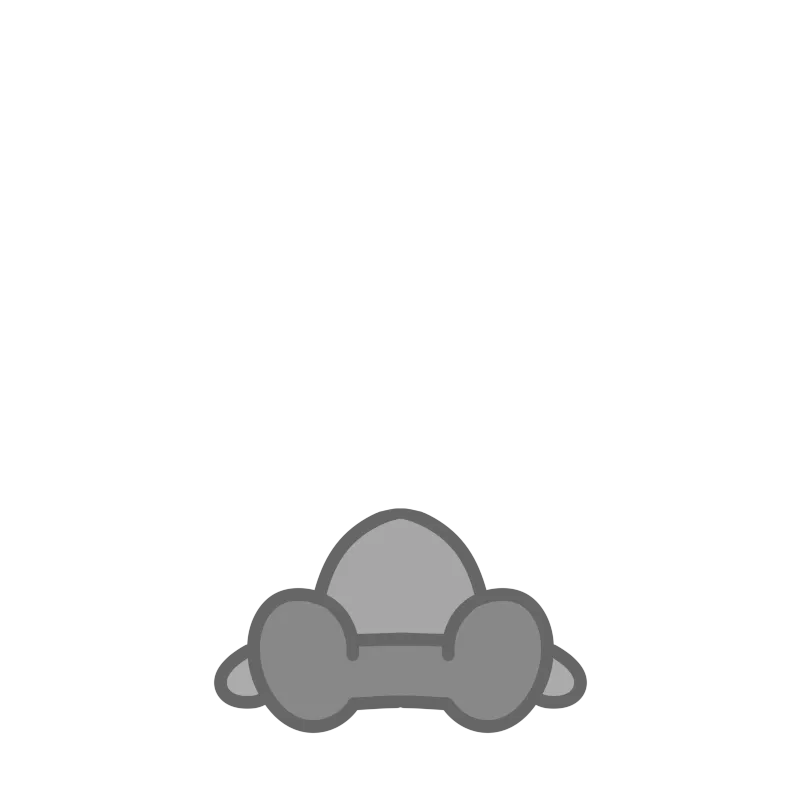
Horns read at small size if they are part of head1 and head2, or if they are a short ear part pinned at the temple. The launcher should not be baked into the body, because the body does not squash and a prop can. Windows v1.19.0 adds a prop part: a square PNG the size of the character, motion starting where you drew the object, with jump, float, shake-stop, roll, or peek. A launcher wants one of those, and the white dashed line is the travel. I will not pick which motion is “correct.” The wiki does not talk about desktop pets.
Pressing the pet swaps to head2, so paint a second face rather than expecting the launcher to be the click. Idle lines can mention the airstrike if you want the pet to sound like the Phighter. That text would be yours. Zukaheart, the pairing tag, is not this character and is not a second file.
Questions
Where is the Rocket download?
The reviewed public sources do not provide a Rocket-specific file. The PHIGHTING! hub links the creator files and clips that are available.
Which prop motion should the launcher use?
The guide lists five and does not map them to weapons. Pick one and save the part setup.
Related
- PHIGHTING! pets — The six that do have a file or a clip.
- Prop motions — Jump, float, shake-stop, roll, peek.
- Ellen Joe — Another build note with no public file.
Sources
| Source | Status | Checked |
|---|---|---|
| PHIGHTING! wiki — Rocket | 1 wiki reference · character context | 2026-11-03 |
| PHIGHTING! creator folder (Slingslong, not Rocket) | 1 creator source · @kage_kasai | 2026-11-03 |
| Developer site, prop part | 1 developer source | 2026-11-03 |